

Password recovery
Instructions
  • Type in your email address in the field and click SEND.
  • Once you receive the automated email, click the blue RECOVER PASSWORD button to start the recovery procedure.
  • Type in and confirm your new password.
  • Log in using the new credentials.
Email was sent

Email address assigned to this account requires confirmation. Check your email for further instructions.

Email was sent

Follow the link in the email to begin the password recovery procedure.

Cookies help us provide, improve, and protect MotionVFX. By using our services, you agree to our cookie policy.

MotionVFX is joining Apple Creator Studio.
Cart
Nothing here yet

Add some of our awesome products!

Go to store

Total
$0
VAT may apply
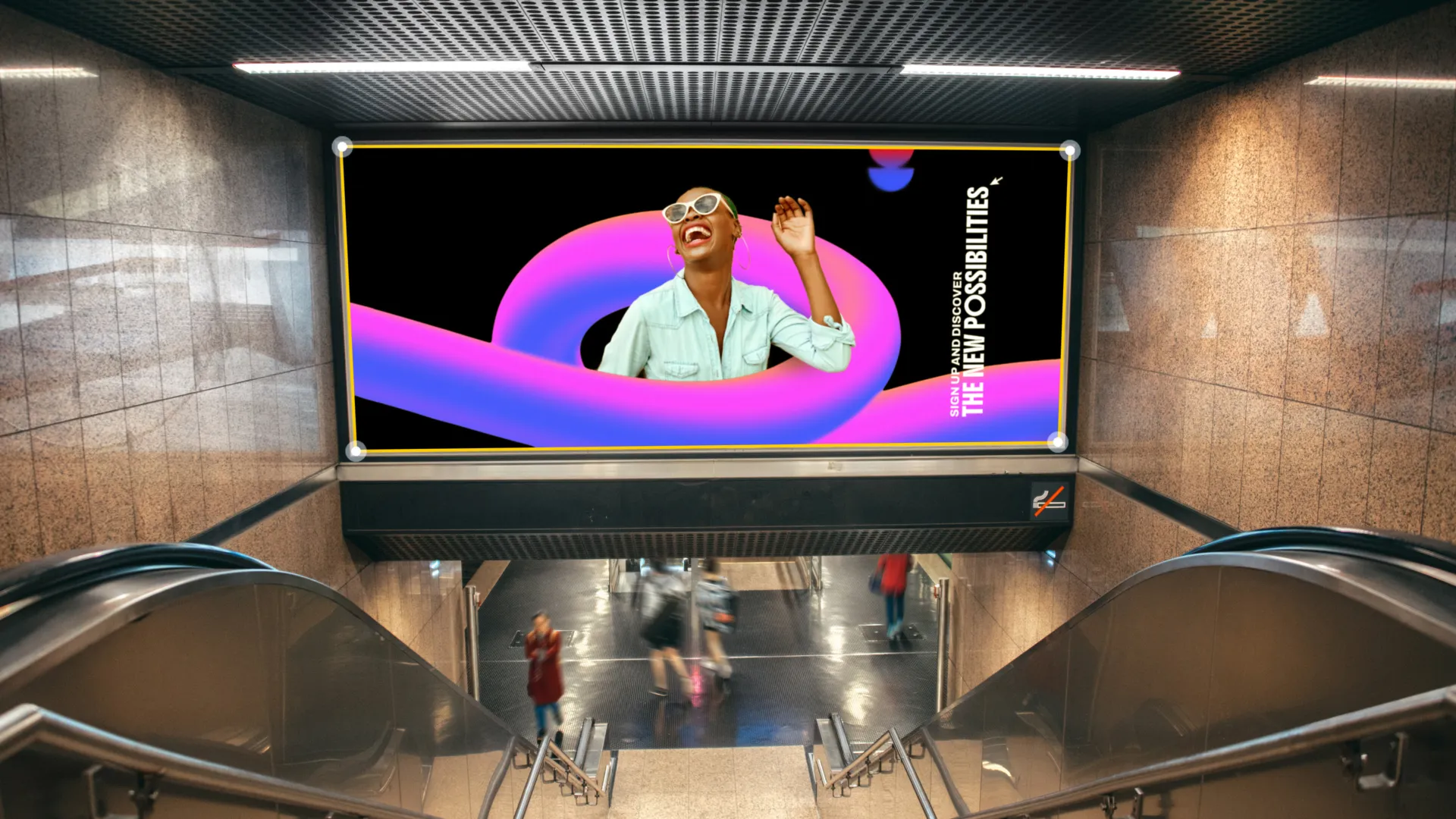
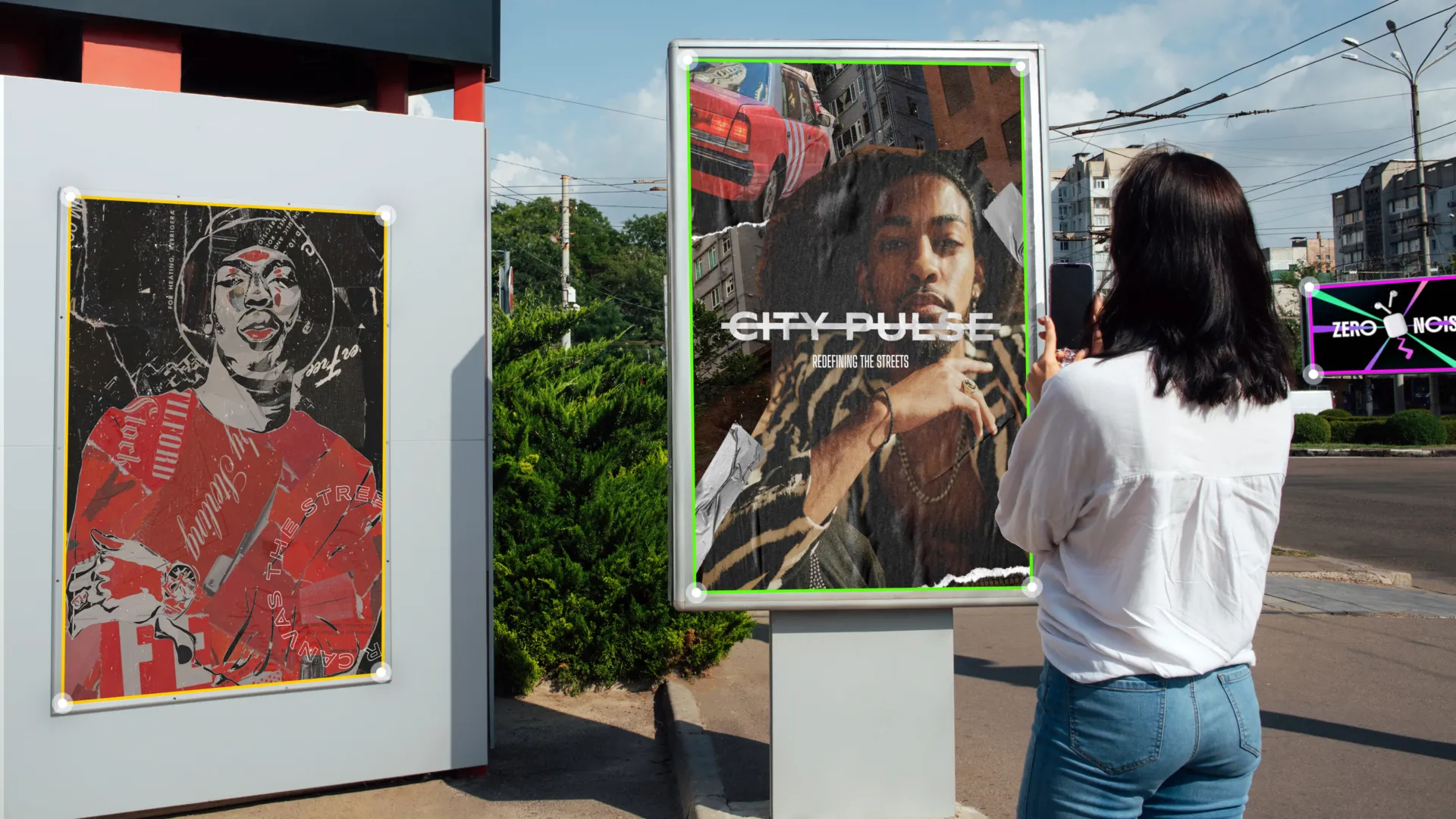
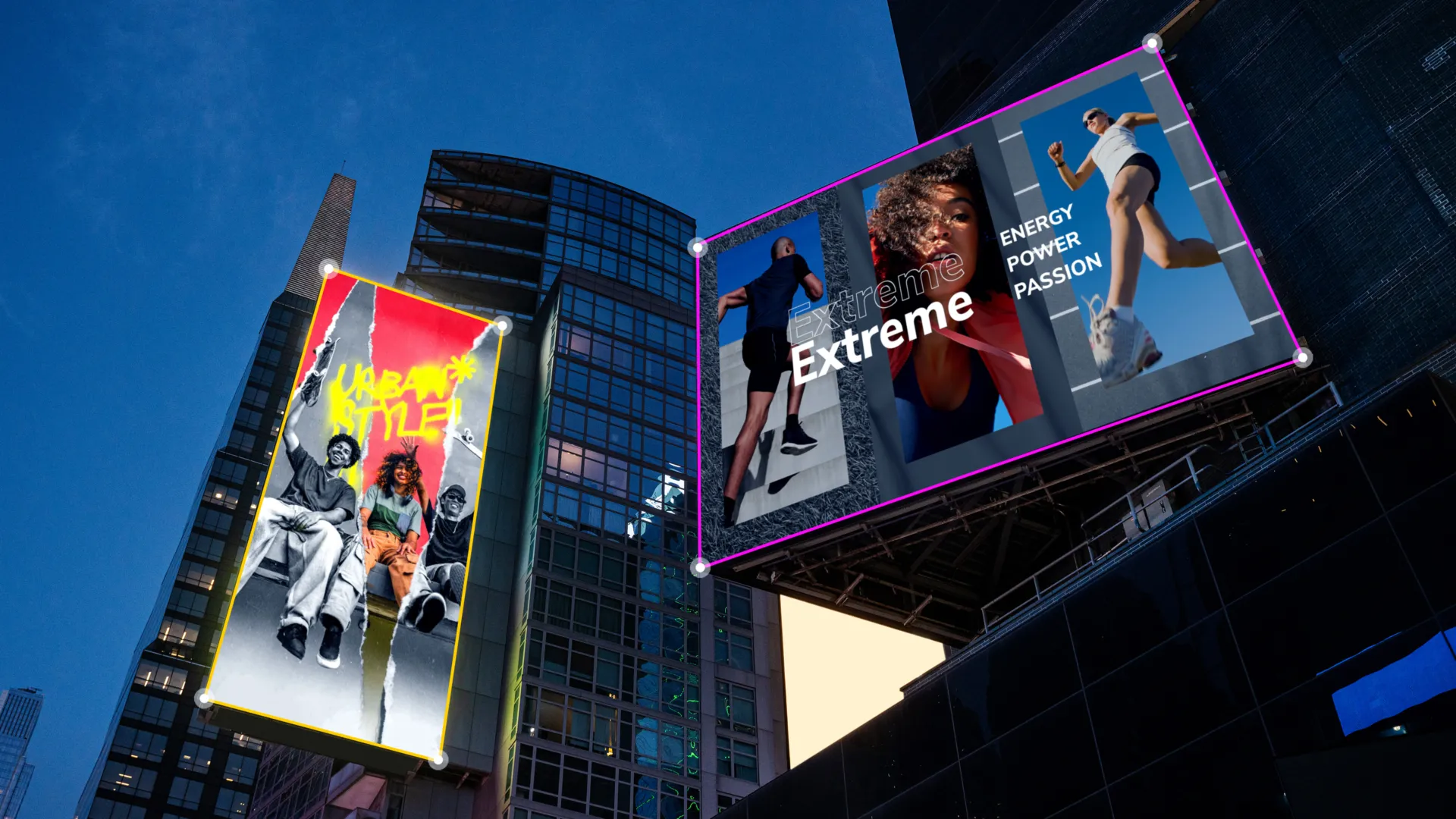
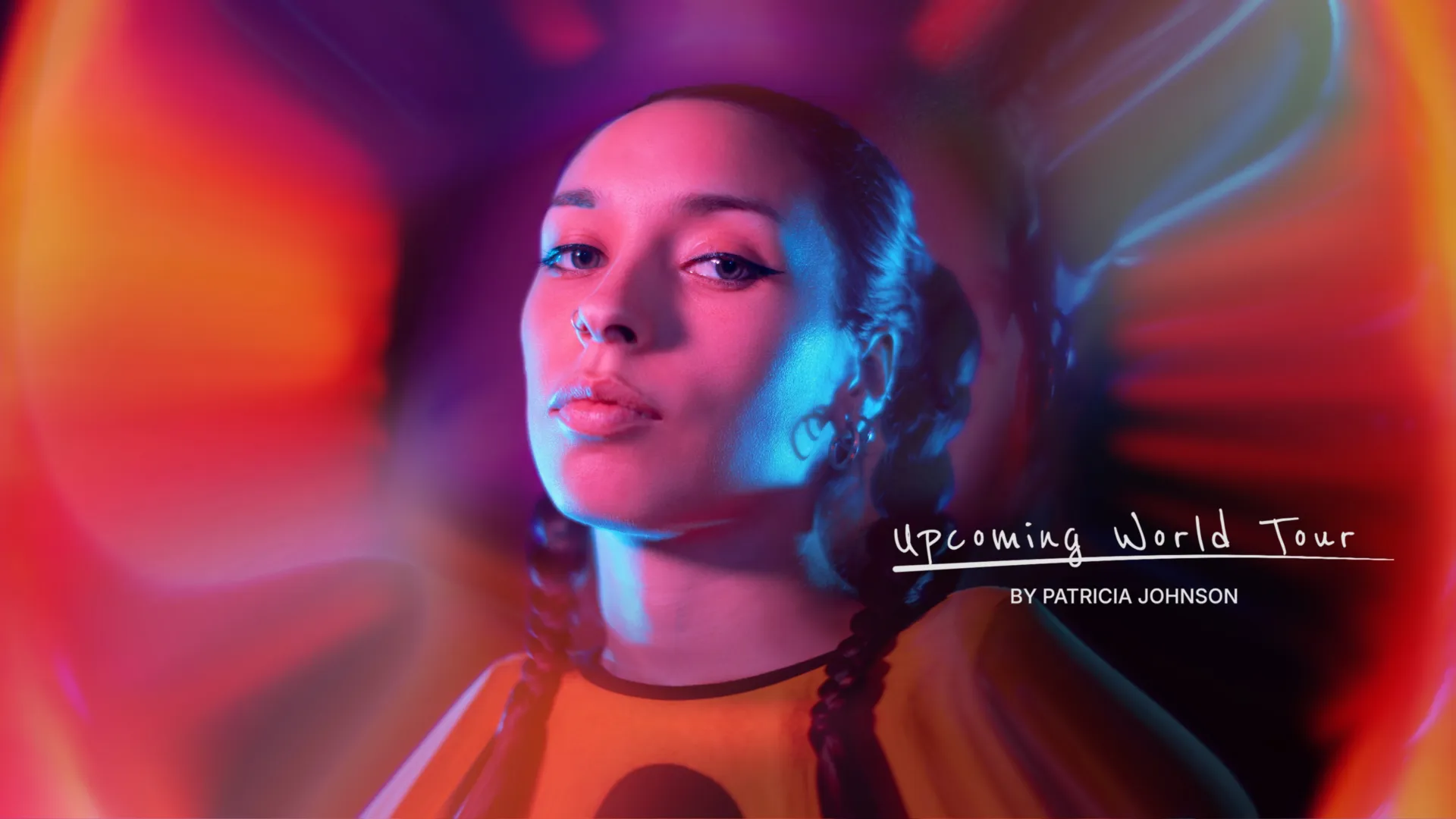
mMusic Video 3
mCollage Paper Rip
mTitle Refined
Apple Creator Studio

Native to creation.

MotionVFX is joining Apple Creator Studio.1 Our products will integrate directly into Final Cut Pro, bringing our tools and motion design library to Apple’s suite of most powerful creative apps.

Coming Soon

All elements of your best edits.
Cutting-edge software and exceptional design.

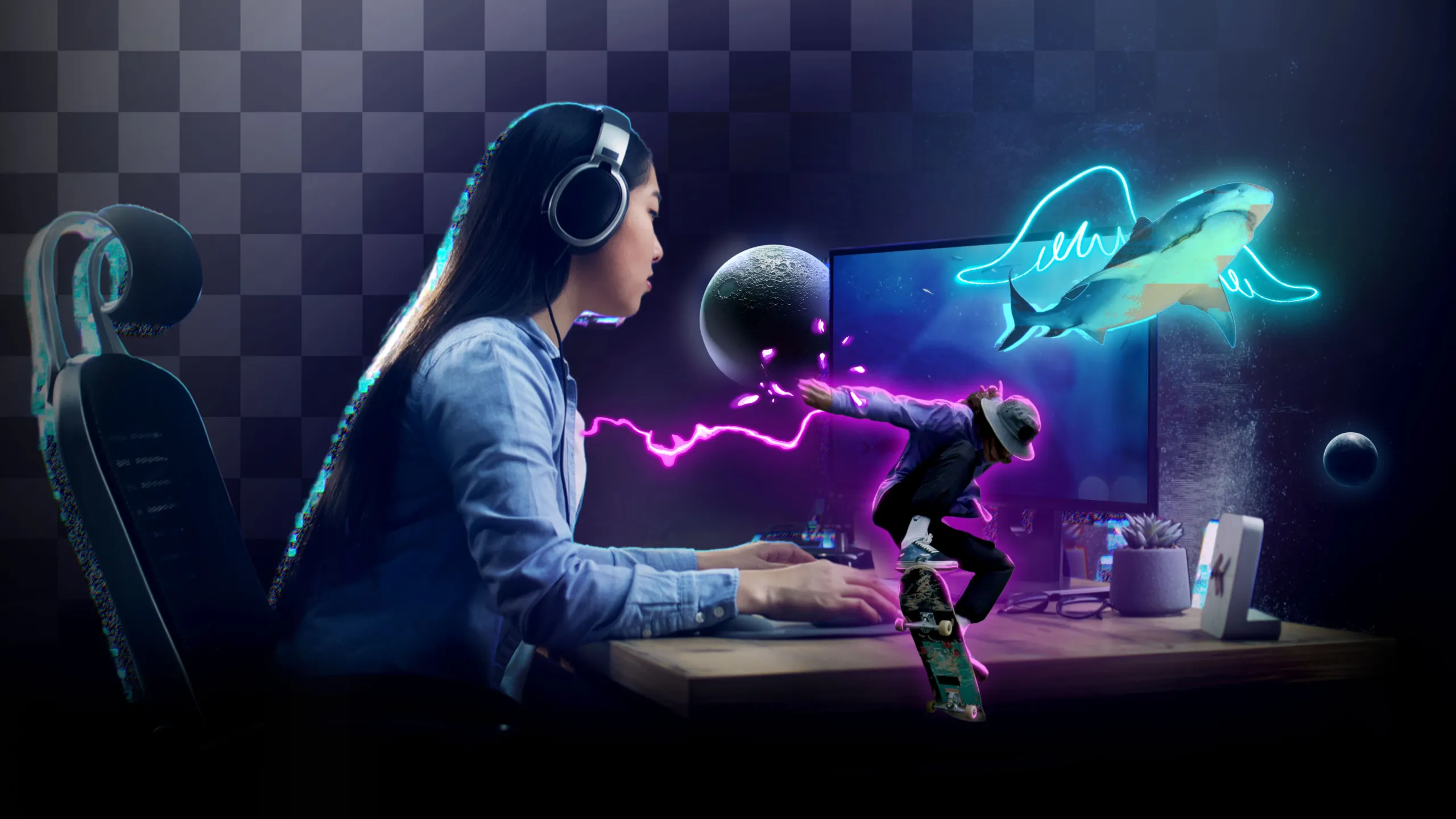
Cinematic, million-dollar-looking effects within minutes. Whether you want to extend reality with automatic 3D tracking and surface tracking, transform your footage with cinematic grading and effects, or elevate your video with top-of-the-market motion design — we have it all, and more, at just a drag and drop.

Highest quality. Top of the market tools, refined and tested to perfection to give you professional-grade visuals with just a drag & drop.
Easy access. Accessible directly inside Final Cut Pro for the frictionless workflow — save time and never break that creative flow.
Advanced software. Working seamlessly with Final Cut Pro, our leading‑edge solutions were designed to do the heavy‑lifting, to help you bring your ideas to life.

Everything you need.
In one toolkit.

Everything you need to take your projects from idea to finish — under one roof. From motion design elements to advanced tracking, rotoscopy and cinematic grading, our toolkit provides a complete, trusted system to lift your work up to the highest level without moving between a dozen separate tools.
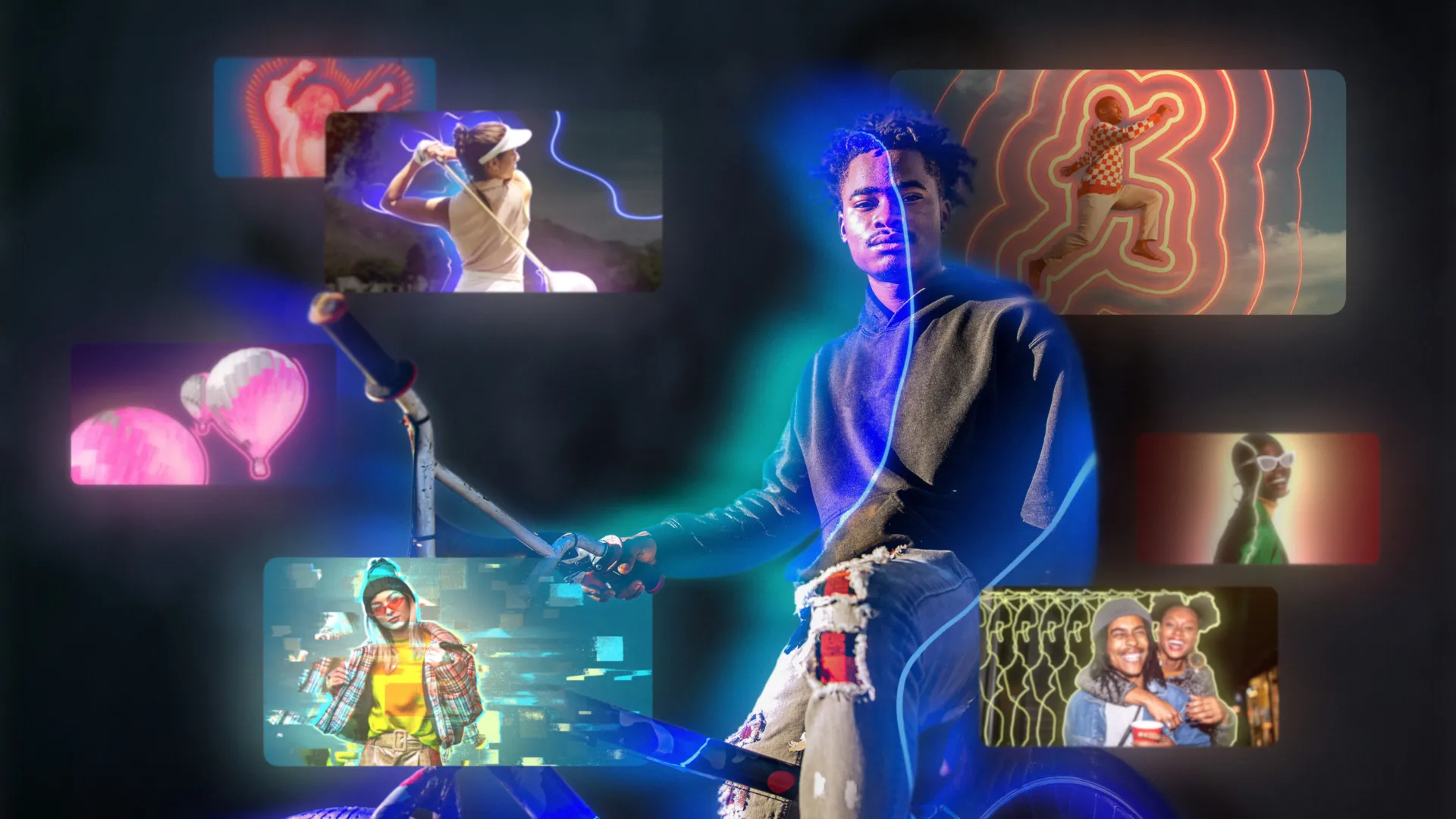
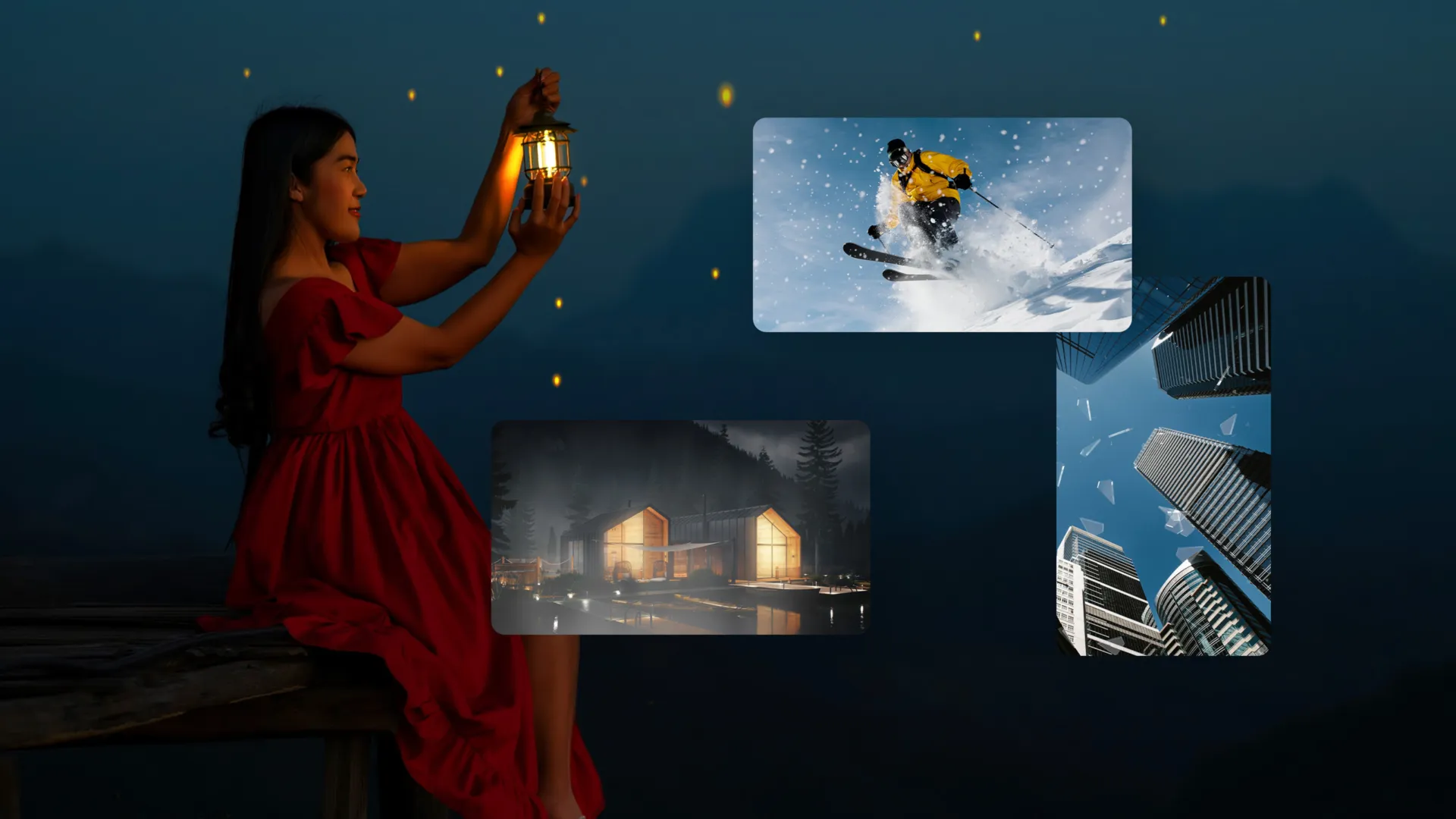
mCollections — browse an endless library of diverse elements packed into theme collections that will always meet your needs.
mRotoAI allows you to animate and morph your masks as objects change in a scene, thanks to an intelligent tracking tool. Rotoscopy has never been easier & faster!
Learn more
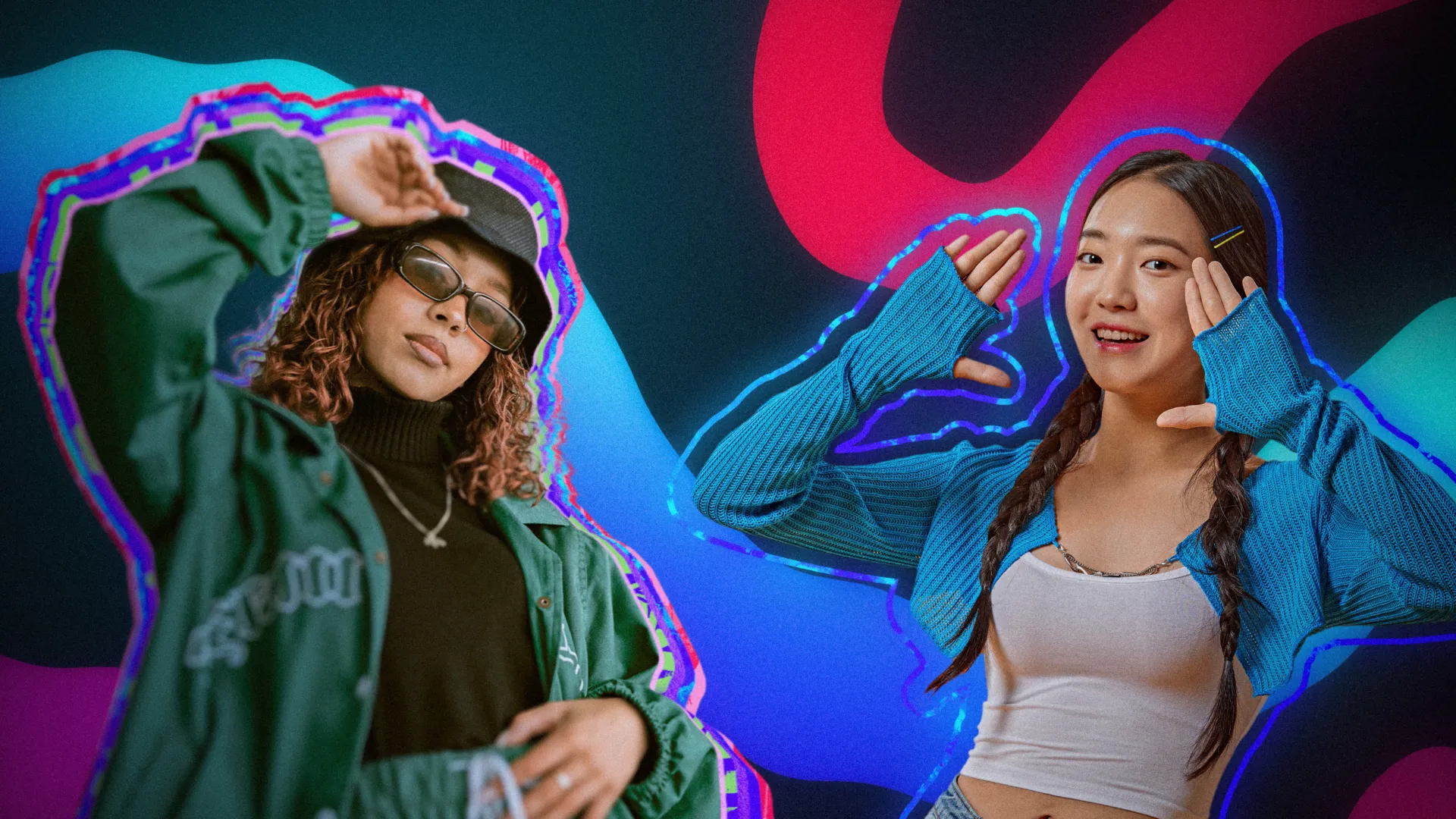
mPuppet lets you turn any static element into lively animation interacting with your videos. Build complex and energetic compositions, and breathe new life into your edits!
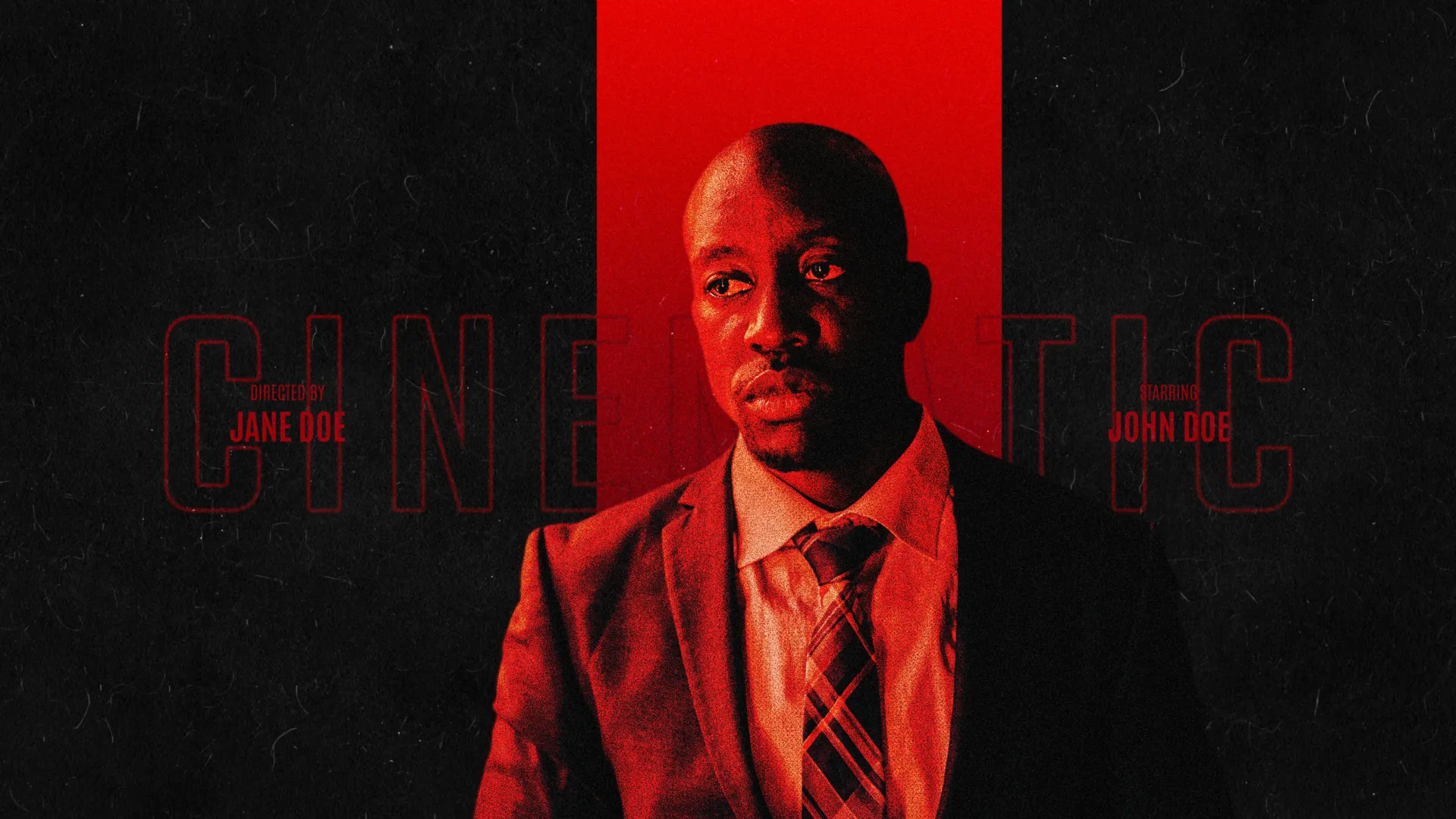
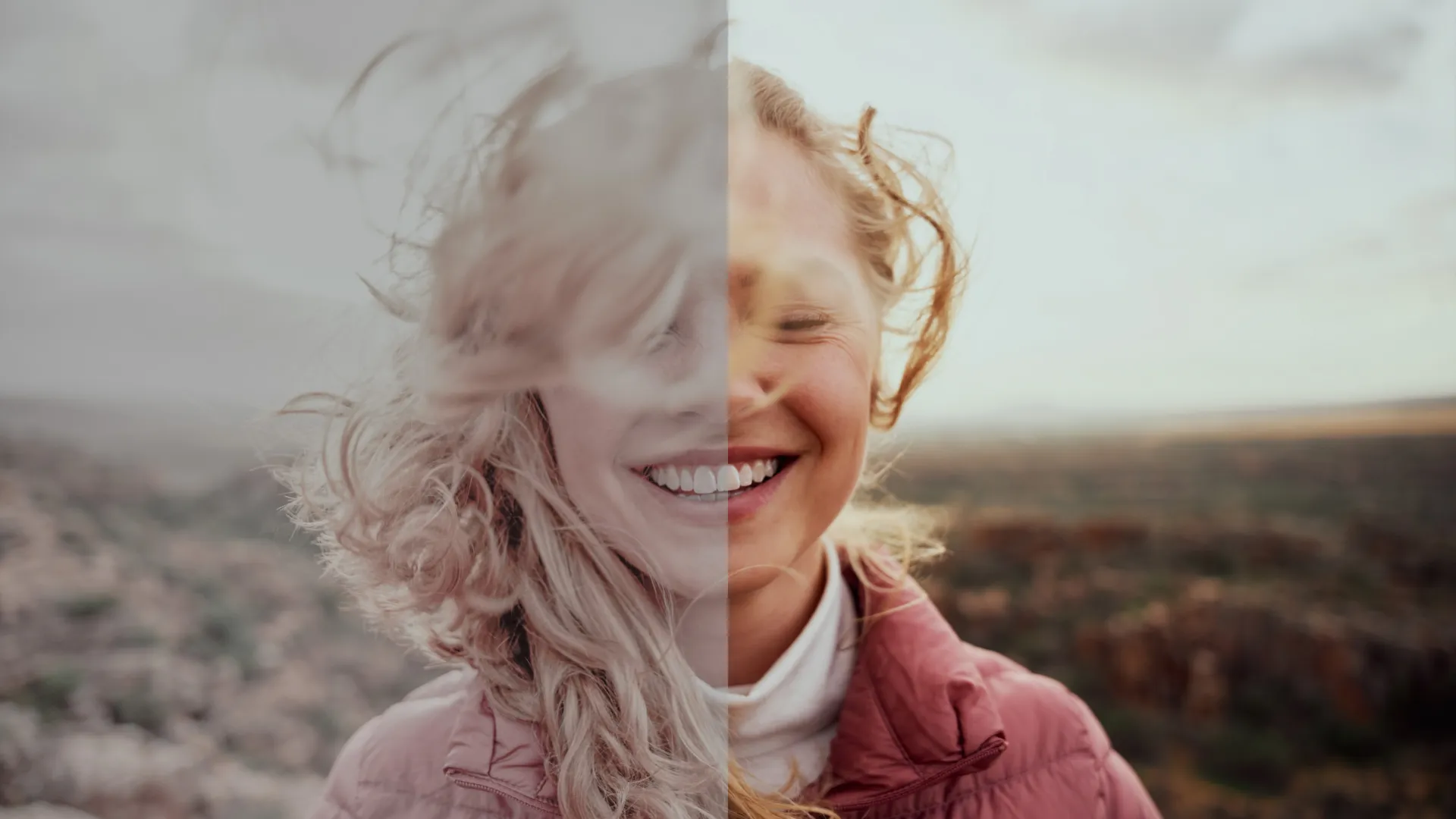
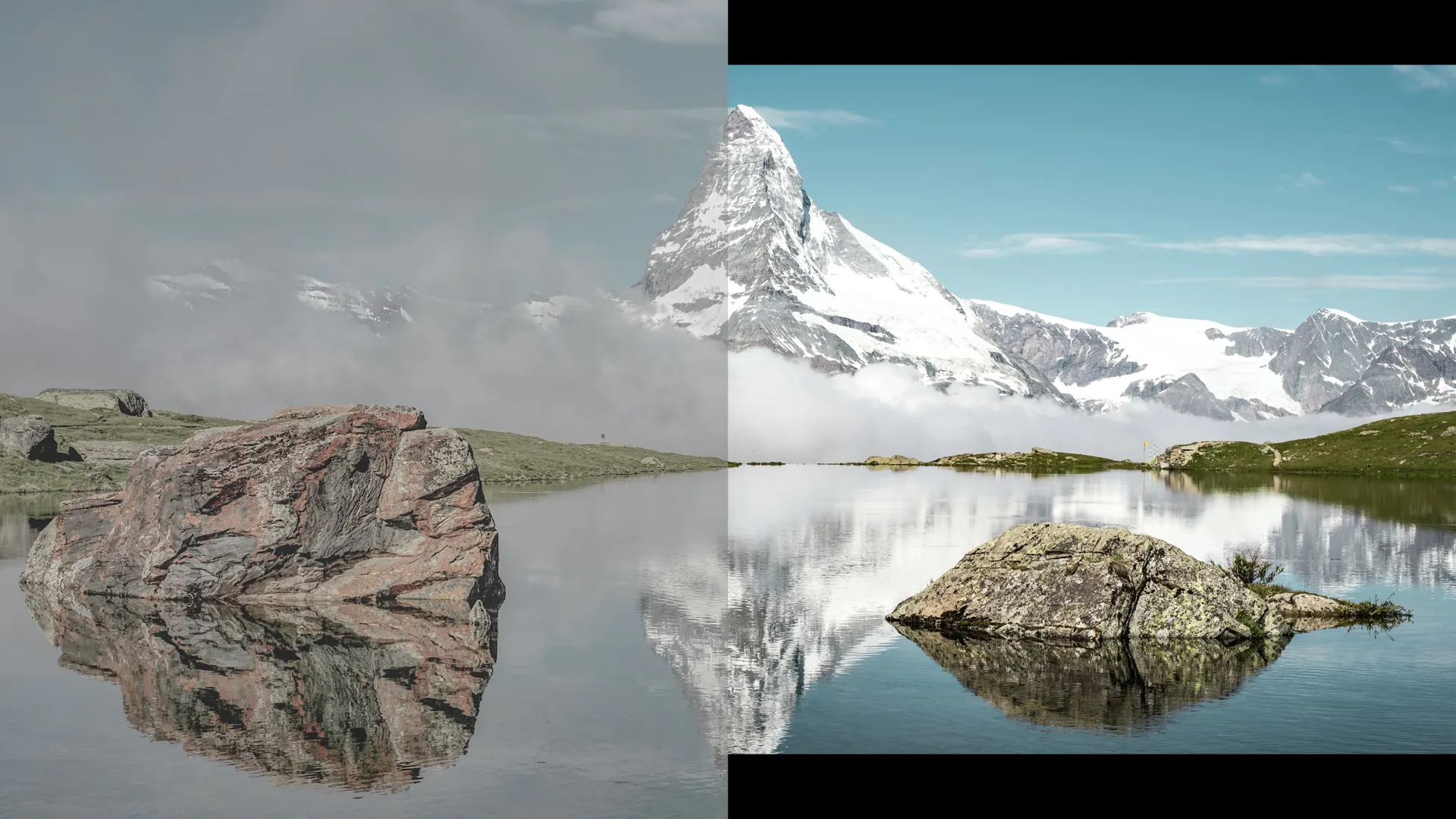
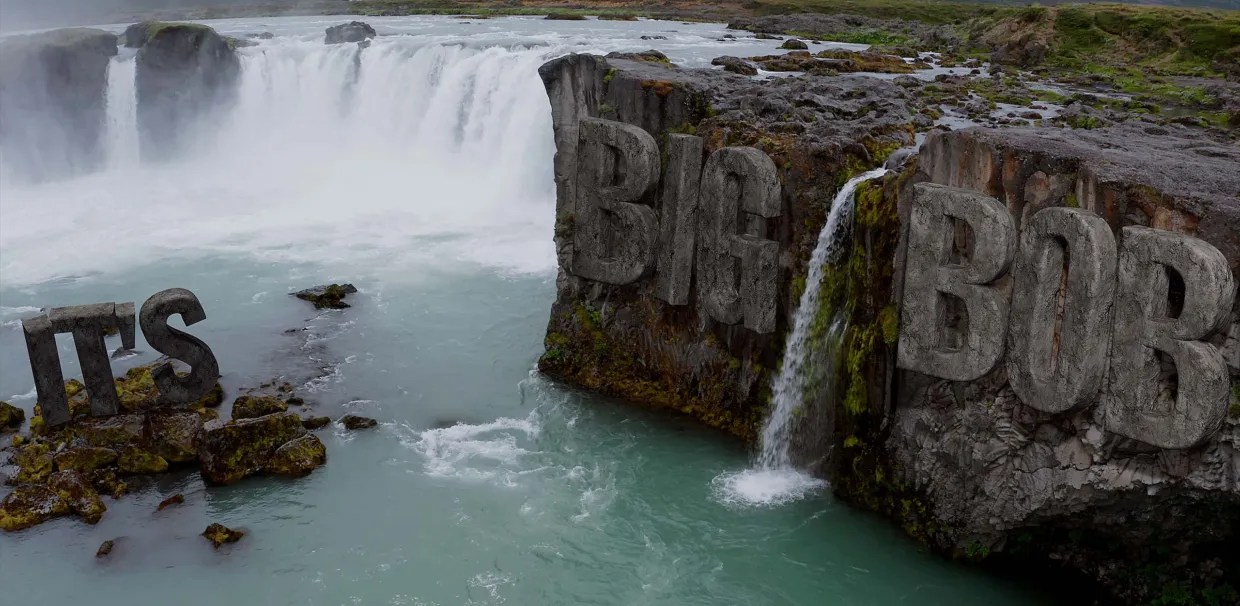
mFilmLook is an efficient solution for turning your clips into epic film scenes. Perform color correction and grading, apply LUTs, add grain, blur, lens distortion, vignette, and flare effects. Tie it all up with realistic Motion Blur AI. All you need to live your silver screen dream!
Learn more
mRotoAI allows you to animate and morph your masks as objects change in a scene, thanks to an intelligent tracking tool. Rotoscopy has never been easier & faster!
Learn more
mCollections — reach for the stunning cinematic tools and visuals and build your narrative easier than ever.
mFlare 2 is a powerful tool for creating realistic light effects. Complete your edits with anamorphic lens flares and organic illumination effects without expensive equipment.
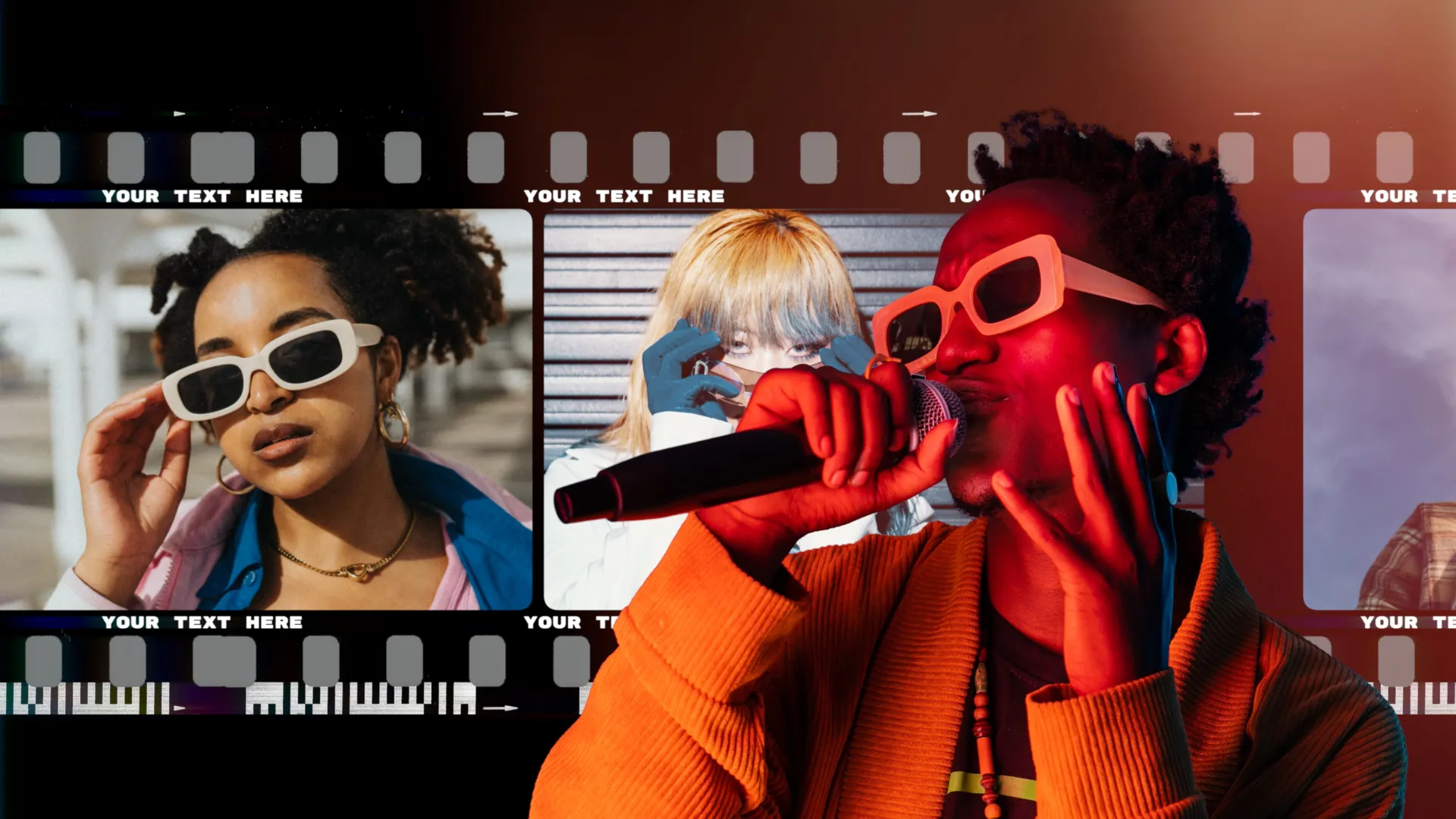
mFilmLook is an efficient solution for turning your clips into epic film scenes. Perform color correction and grading, apply LUTs, add grain, blur, lens distortion, vignette, and flare effects. Tie it all up with realistic Motion Blur AI. All you need to live your silver screen dream!
Learn more
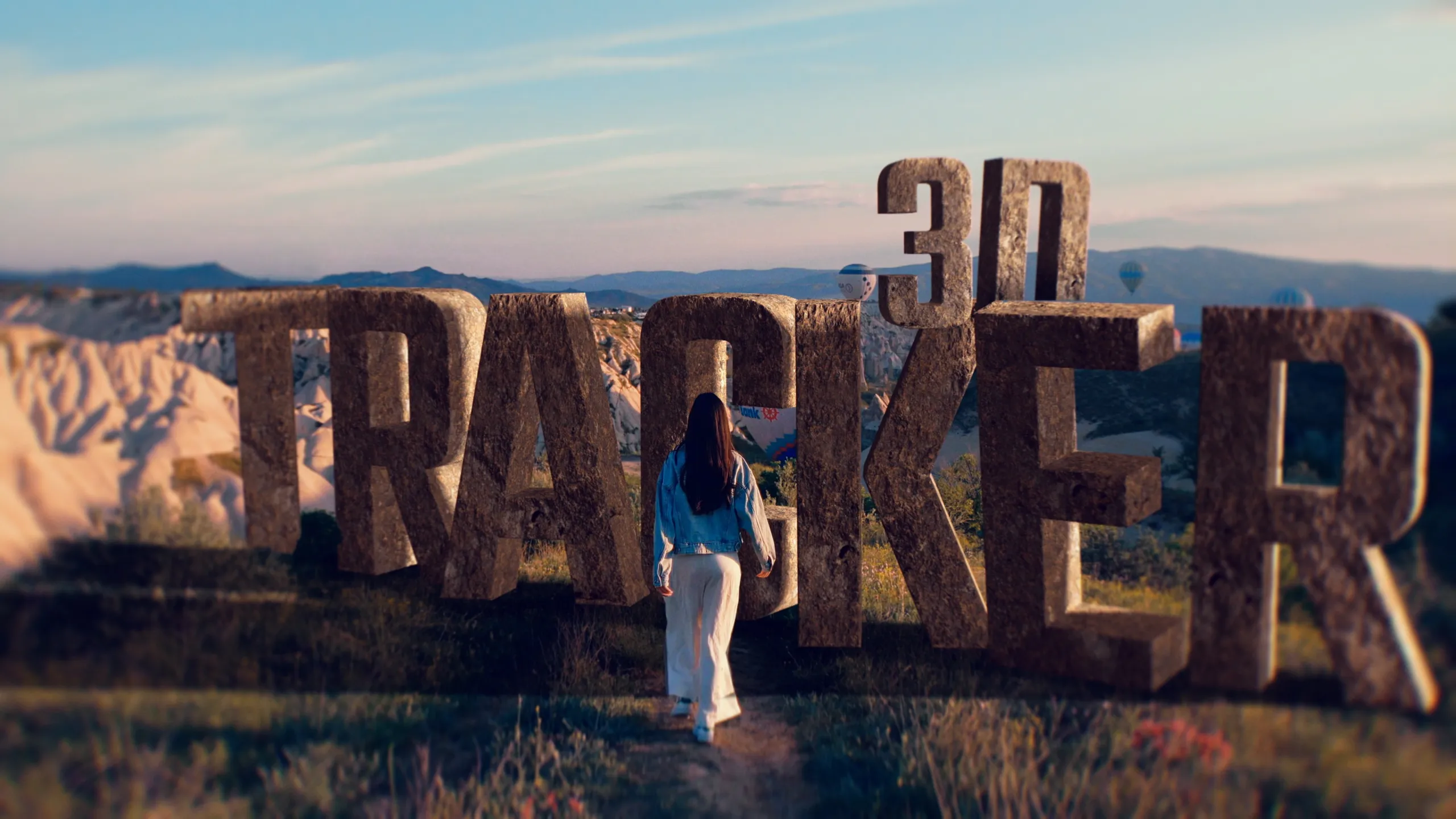
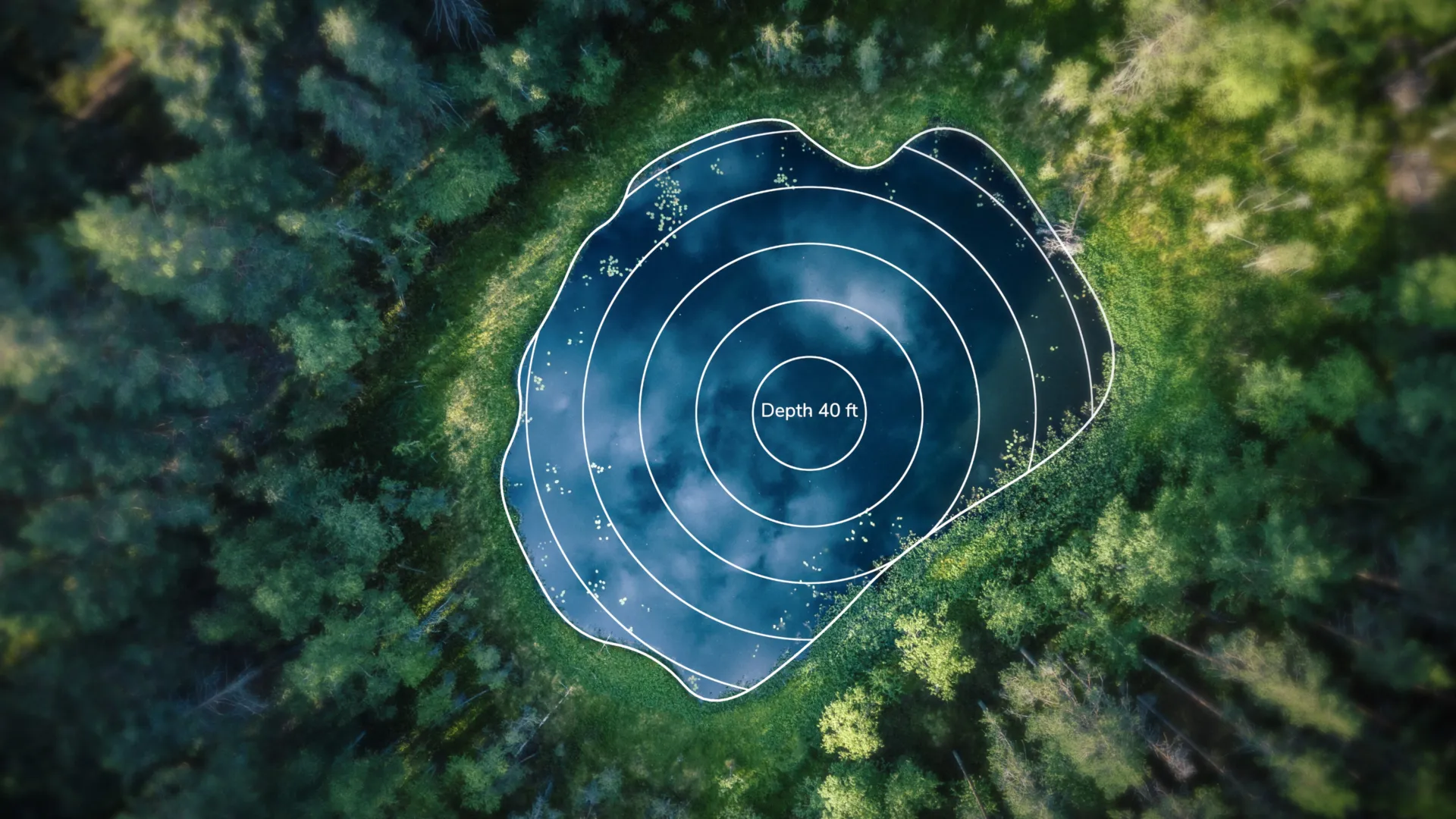
mTracker 3D lets you precisely recreate the movement of the camera used to film your shot and add 3D elements to your shots. Enjoy tons of built-in content and expansion packs!
Learn more
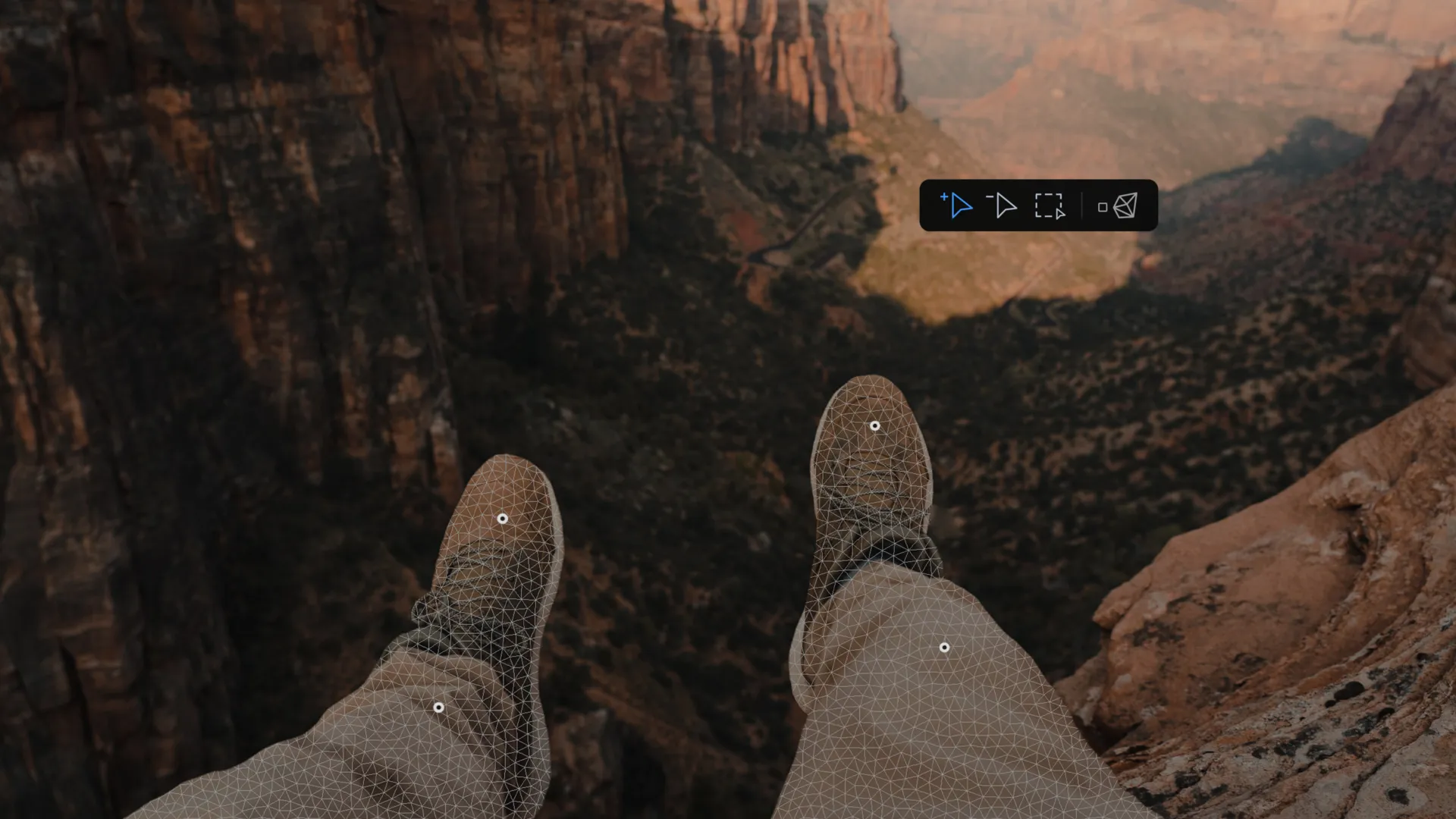
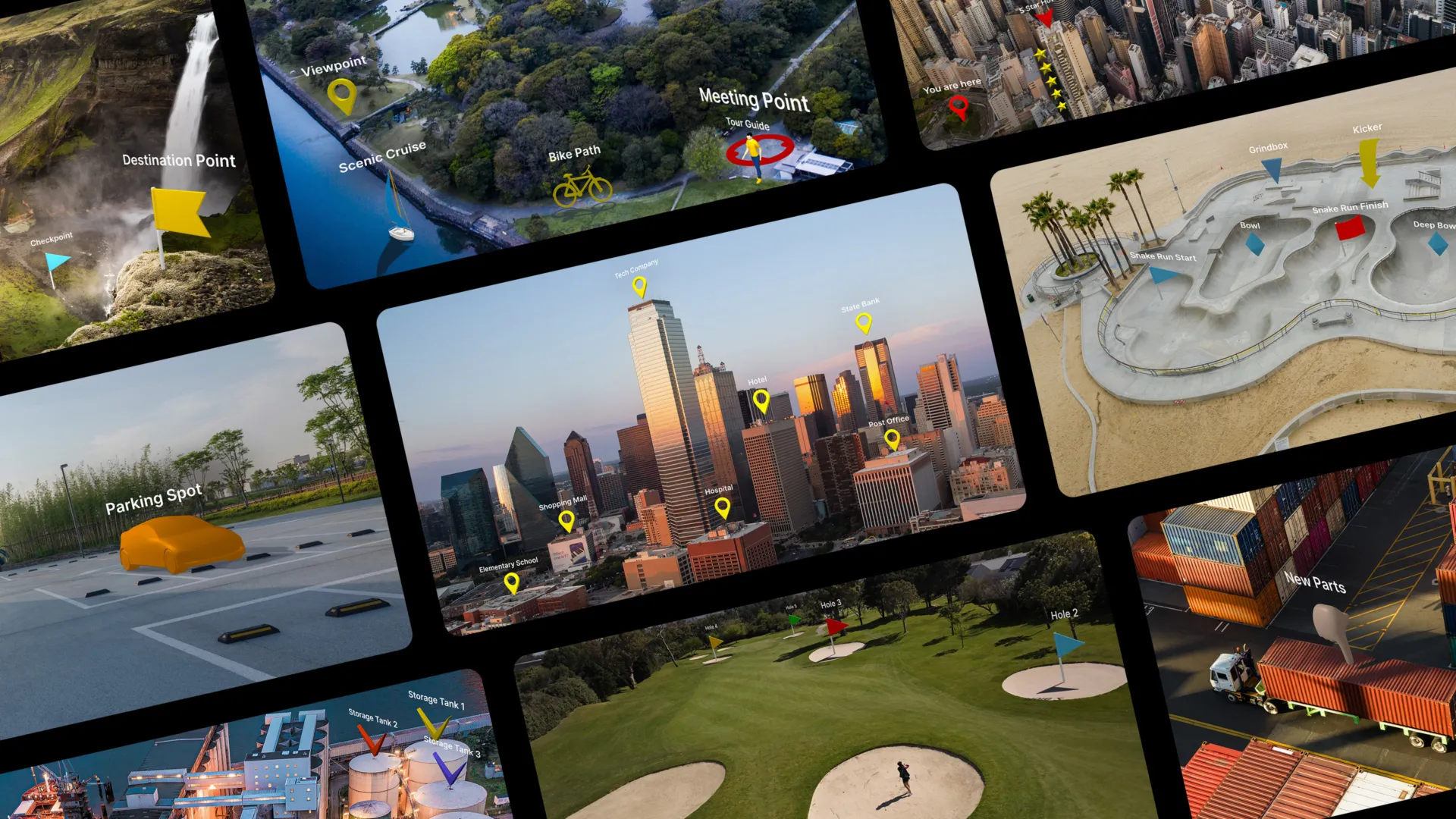
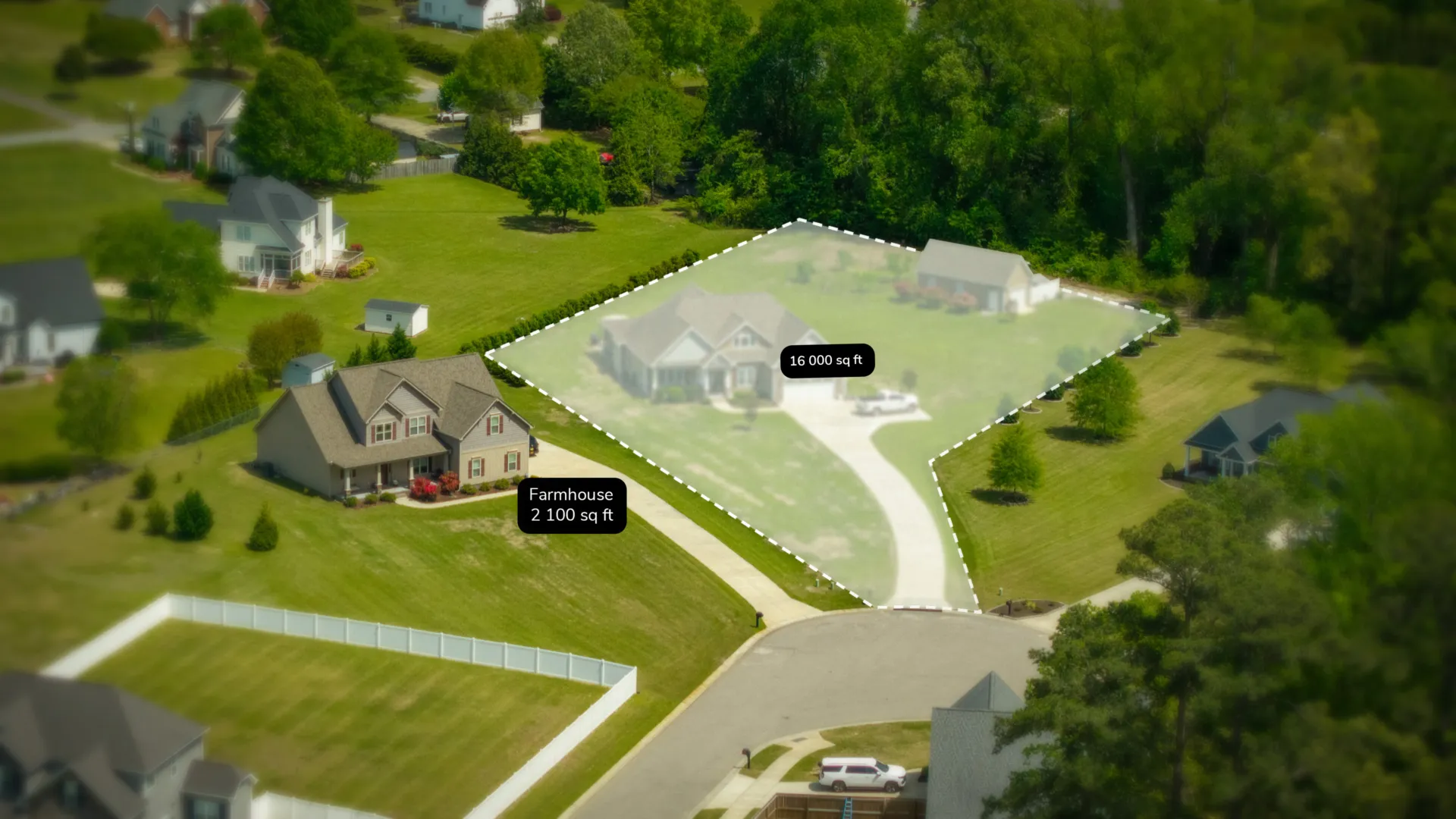
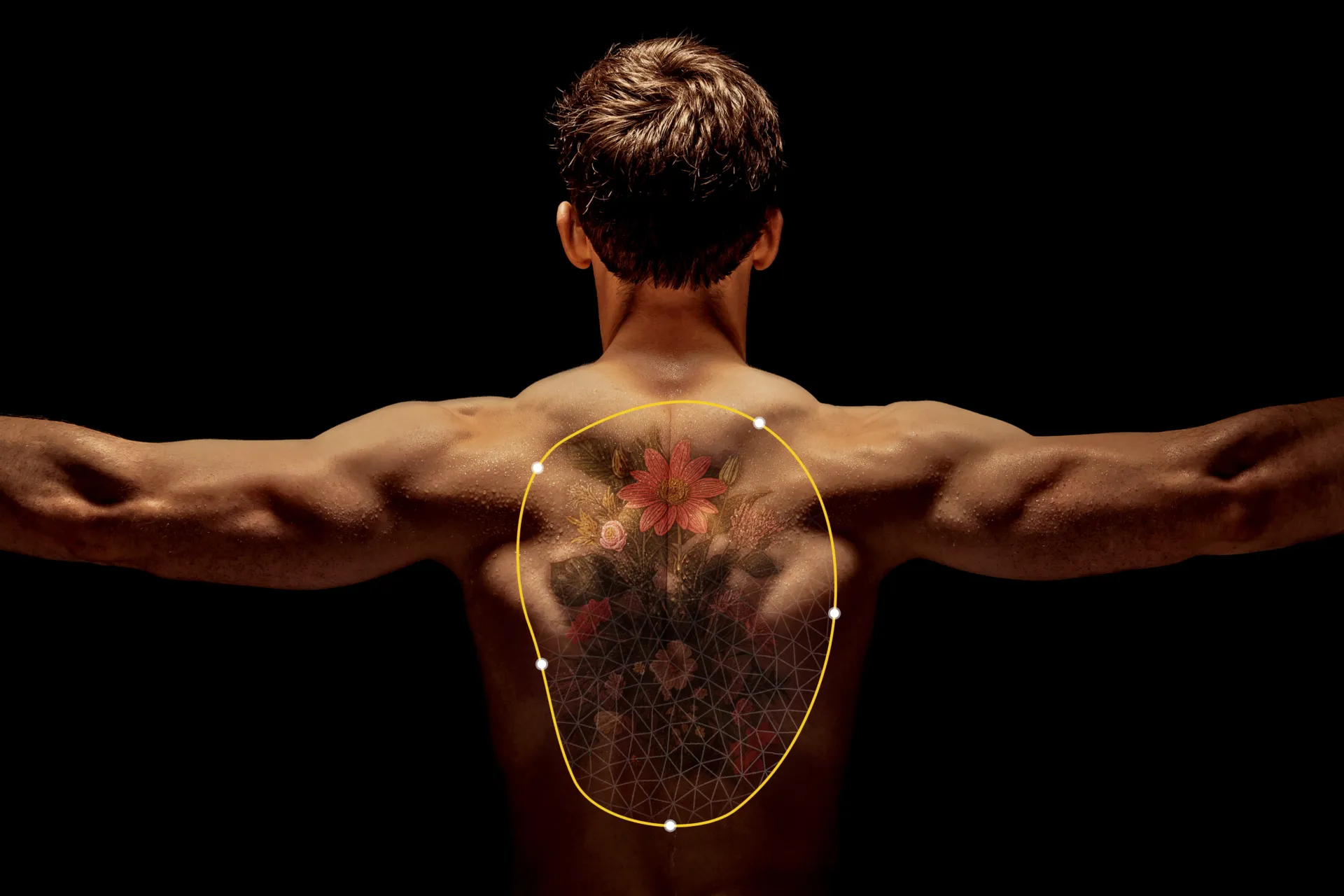
mTracker 3D Area — automatically track and intuitively mark outlines of areas of interest, thanks to this professional 3D outline marking tool.
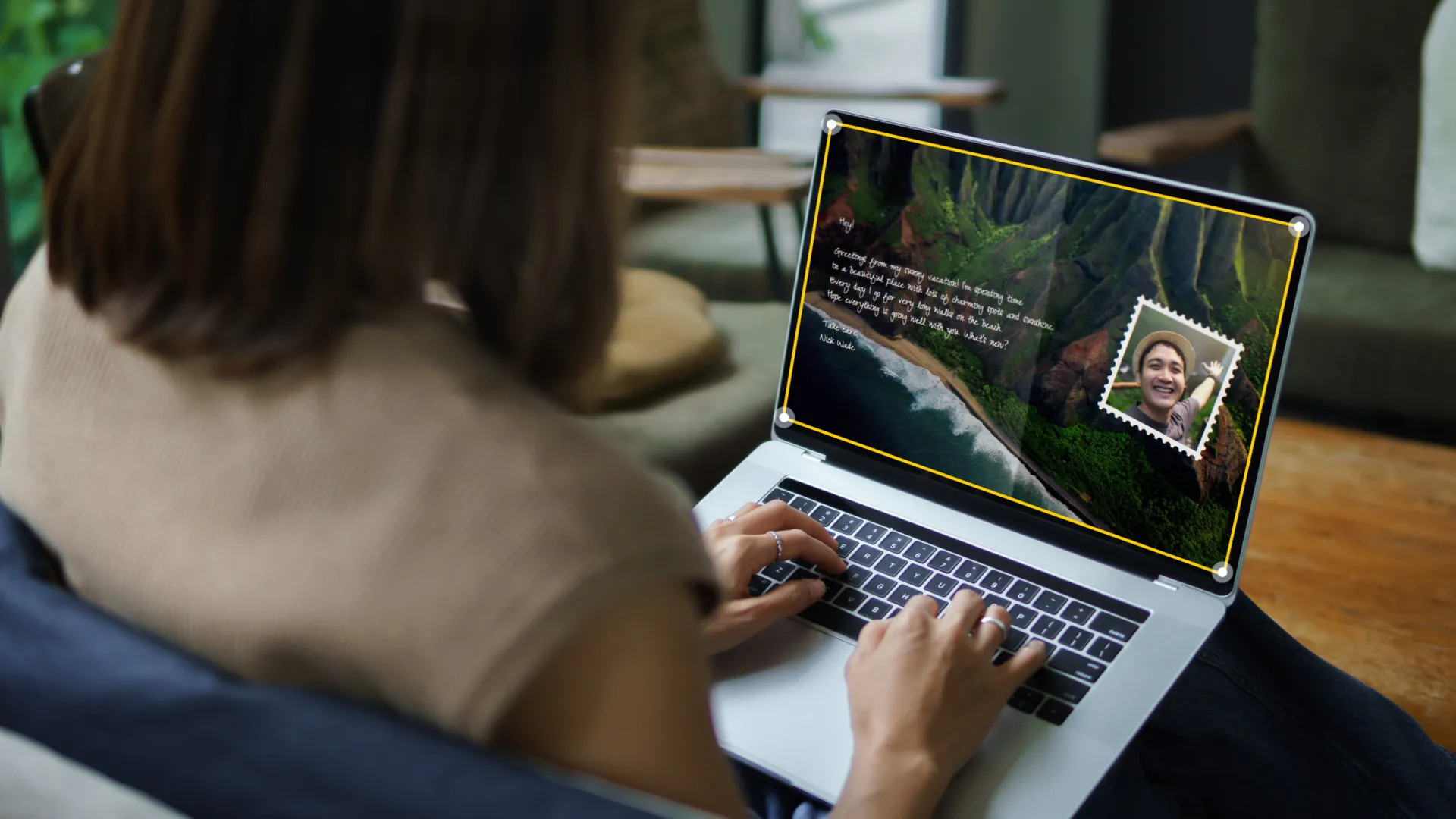
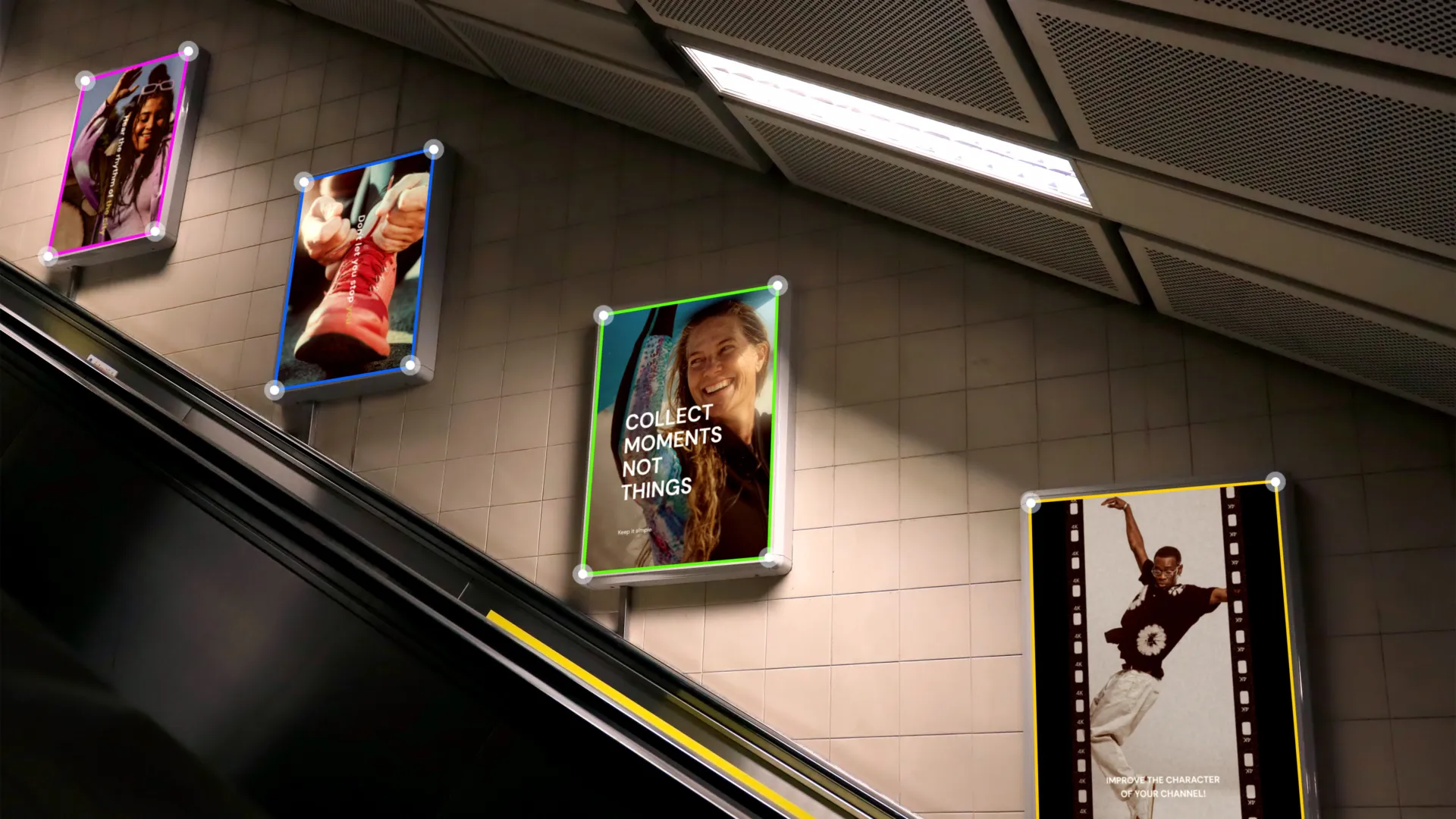
mTracker Surface is an advanced planar and surface tracking plugin. It supports tracking multiple layers and lets you perform precise masking and color correction.
mRotoAI allows you to animate and morph your masks as objects change in a scene, thanks to an intelligent tracking tool. Rotoscopy has never been easier & faster!
Learn more
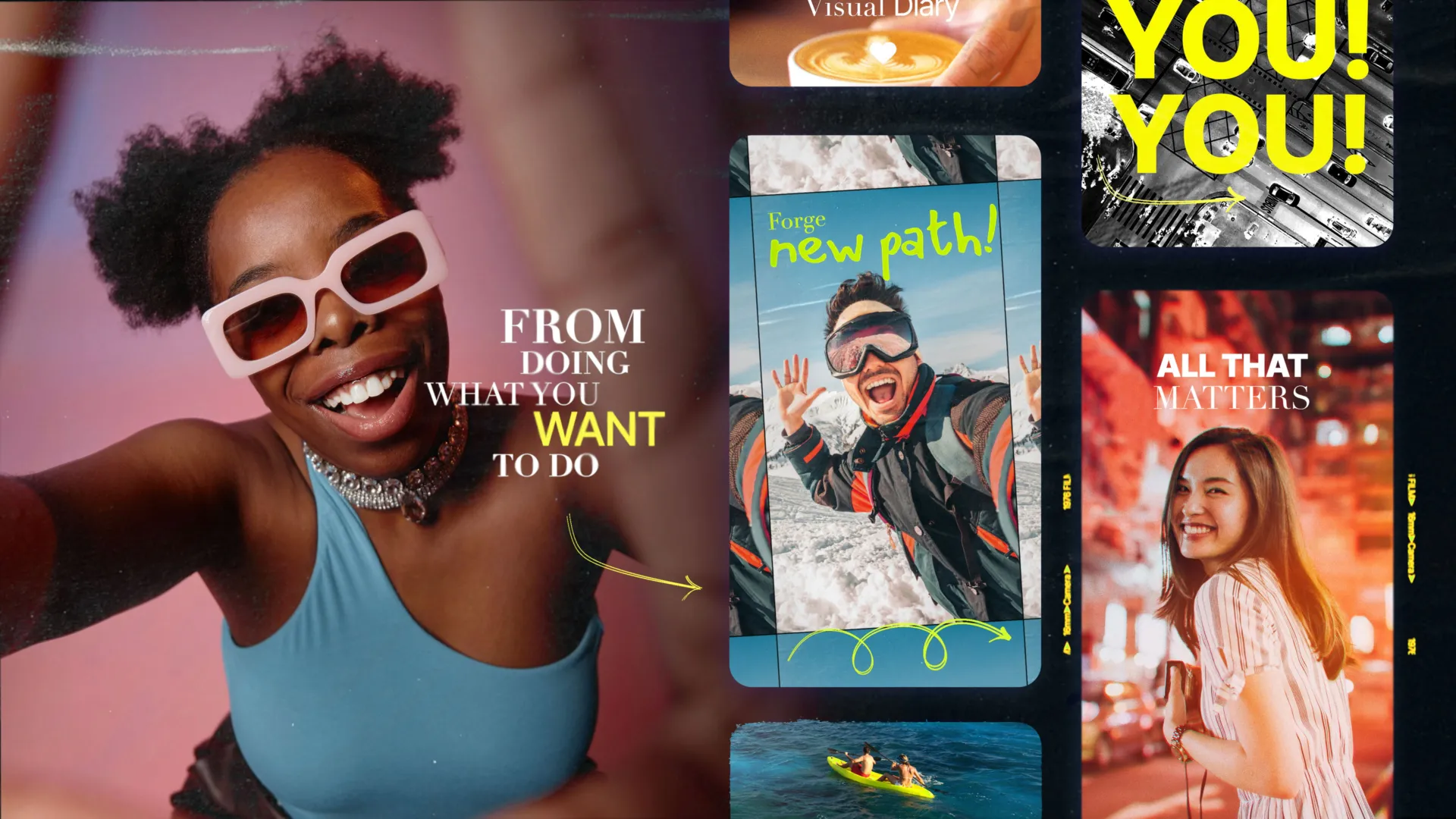
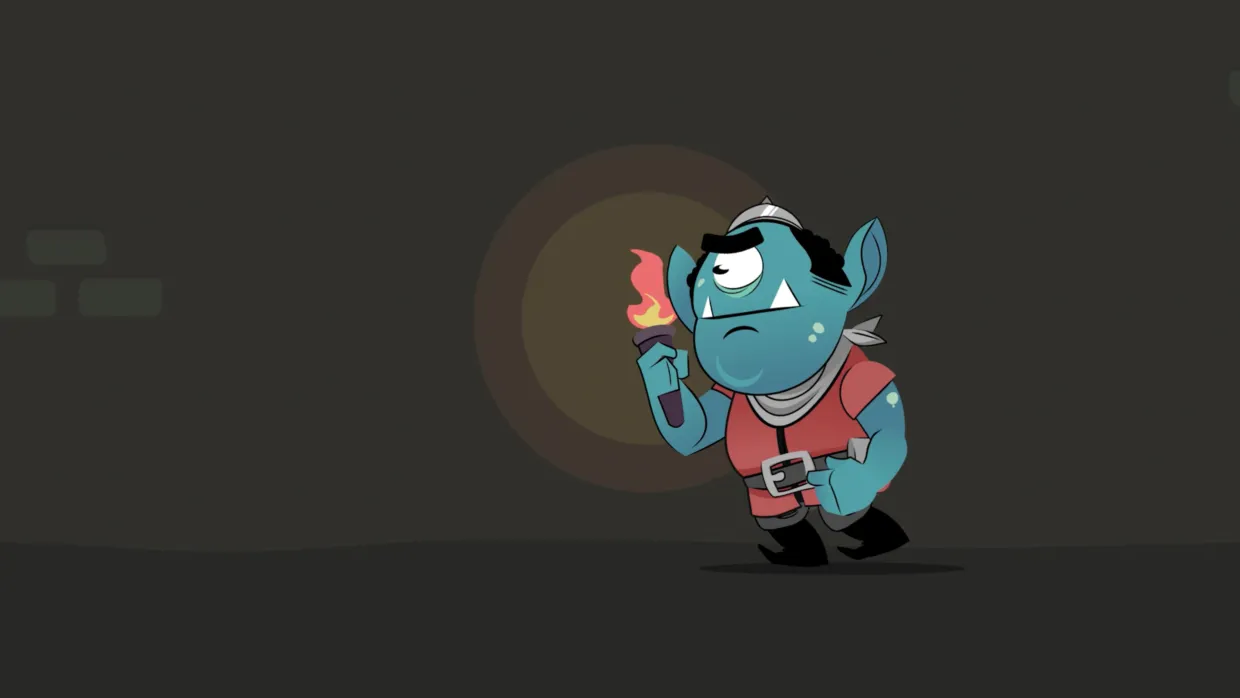
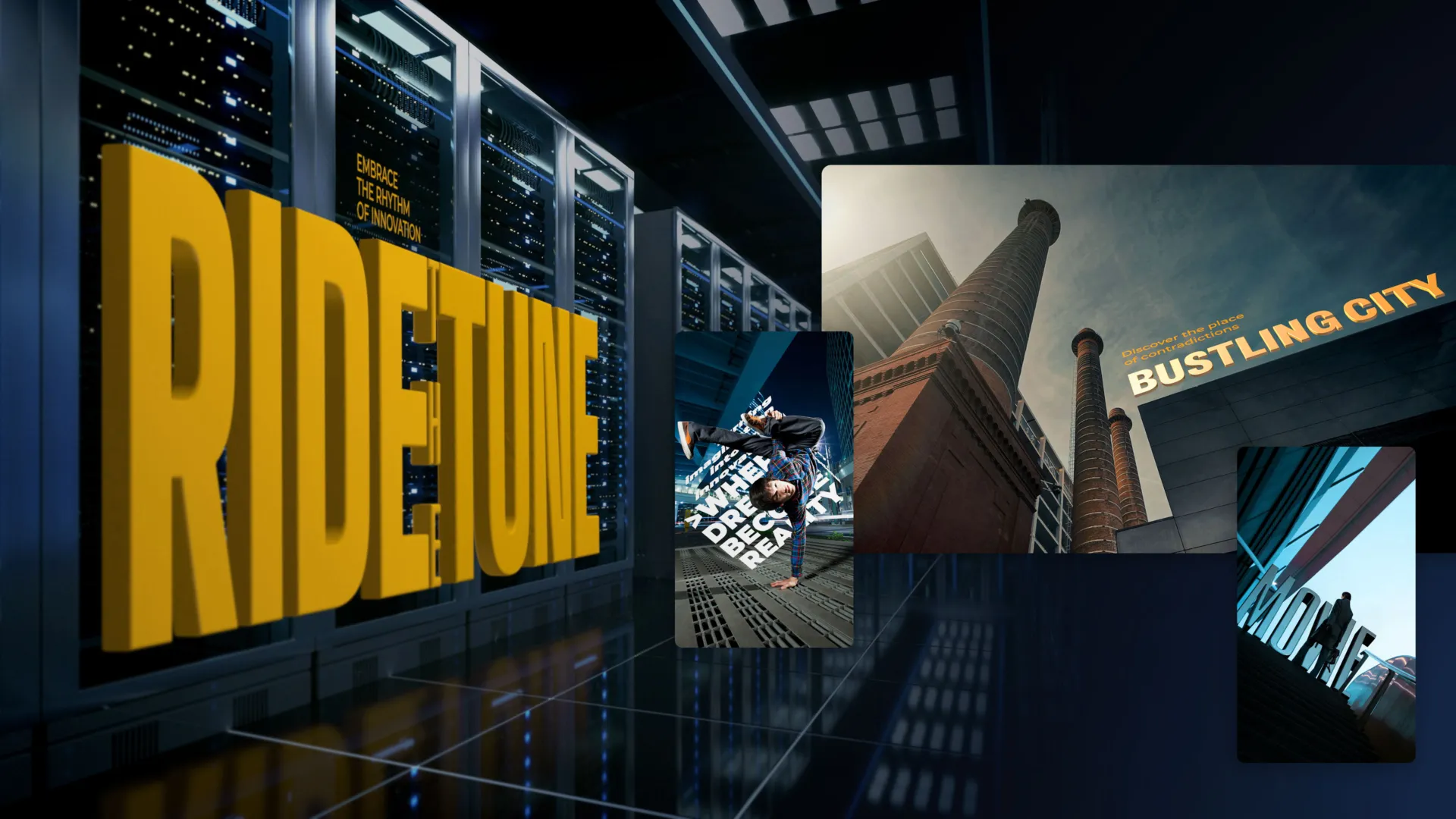
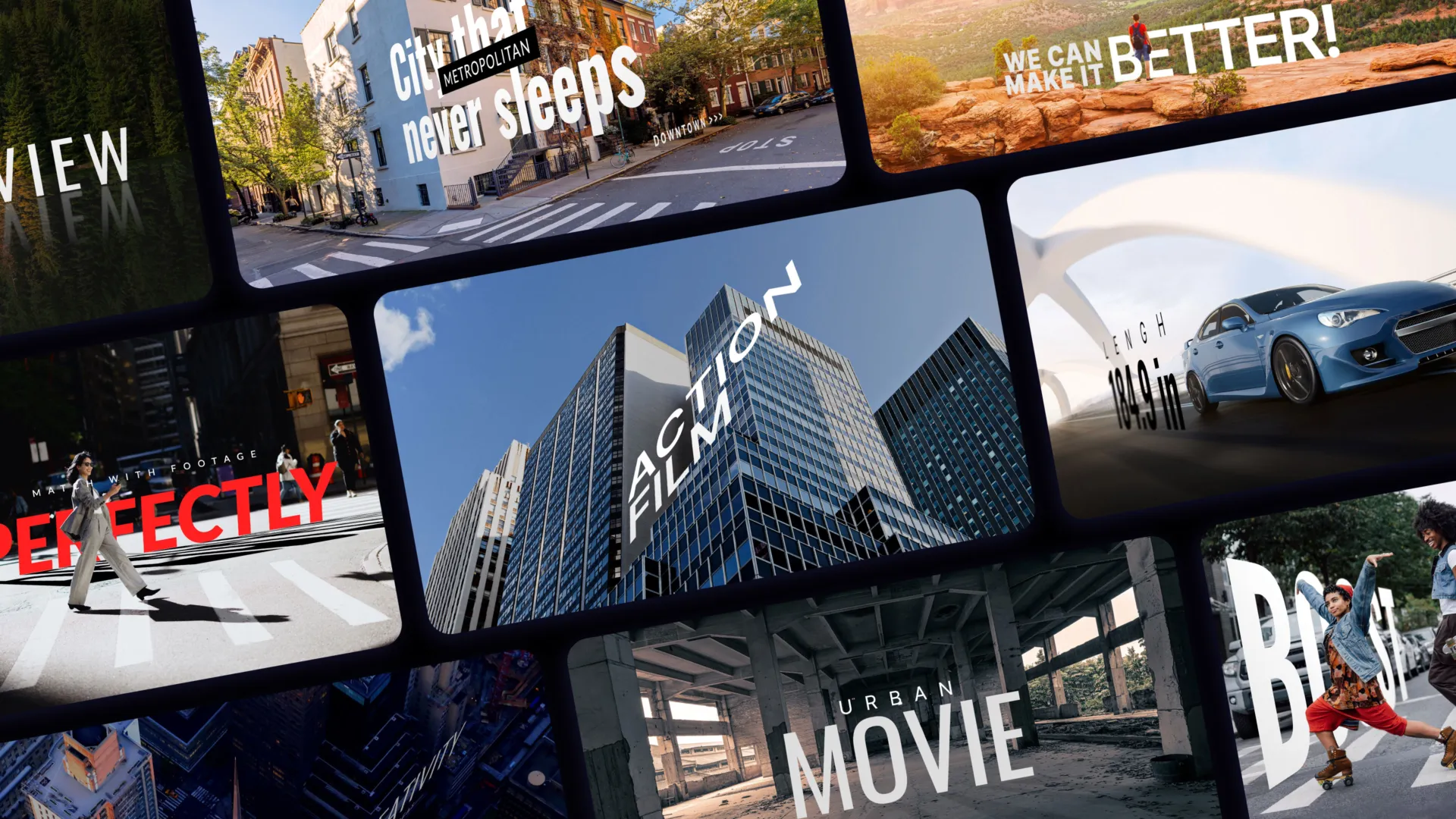
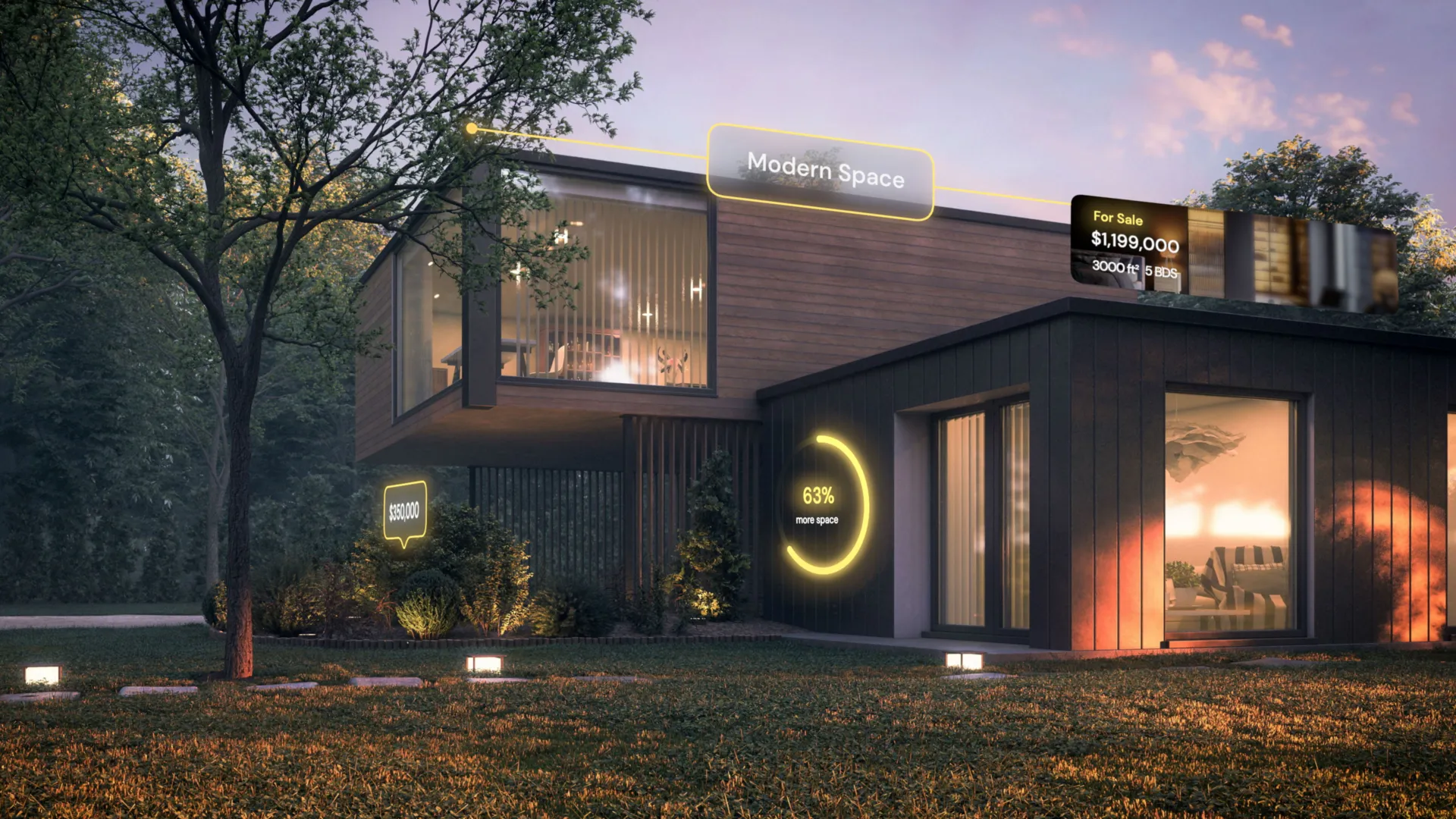
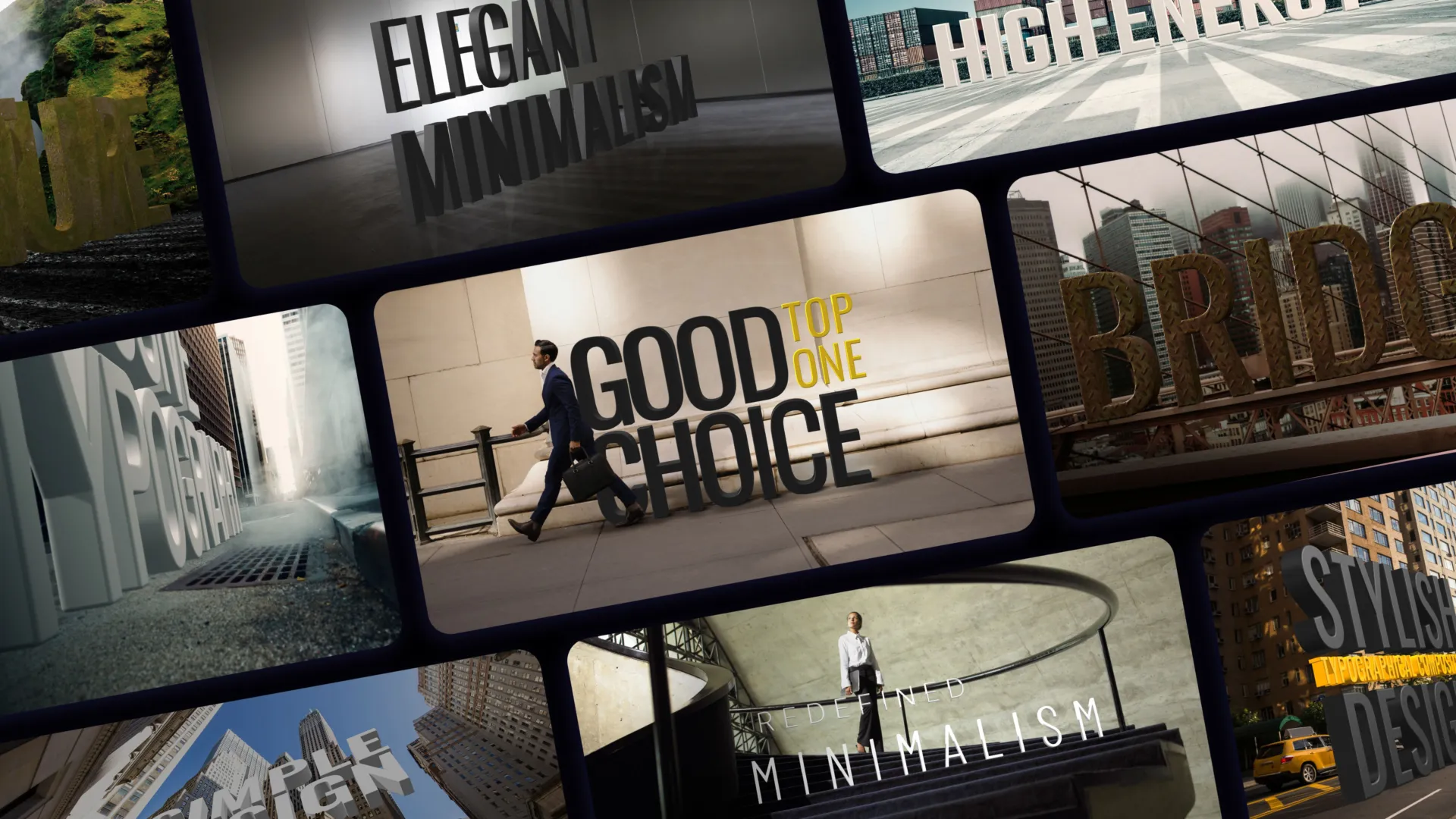
Motion graphics — play with different tools and give your edit a twist! It’s the easiest tracking solution you will ever use.

Looking for something specific?

Search in store
Questions? Answers.

How do I use my MotionVFX subscription?

arrow_1_down_big
To start using your MotionVFX subscription (NOT Apple Creator Studio subscription), download and install mExtension, a free app that enables you to browse, download, and apply plugins and elements directly to your timeline without leaving FCP. In the installation process, you will be asked what software plugins you want to install and to activate the device you are currently working on. Voilà! Now, you can easily download and drag and drop elements onto your timeline.

Can I try the MotionVFX subscription for free?

arrow_1_down_big
Yes, we offer a 14-day free, no-watermark, no-render-limits trial for each plan. All plugins are included in the free trial. There is a limit of 500 elements that can be downloaded during the trial period.

What is included in the MotionVFX plans trial?

arrow_1_down_big
  • Software & AI plugins available in the plan of your choice.
  • 500 elements of your choice from the library of the plan of your choice.

If you start a DesignStudio or Ultimate trial, you will get access to a tracker for selected elements.

It is available for 14 days for free. If you do not cancel, we will process the entire payment for your subscription, and you will get access to the complete library.

What happens if I do not cancel after the 14-day trial?

arrow_1_down_big
We will notify you via email 7 days before your trial ends so that you can make a conscious decision about whether you want to stay with us. If you don’t cancel, you will automatically enroll in a full subscription, and your chosen payment method will be charged with the price of the plan you subscribed for.

I already have an active MotionVFX subscription. Can I keep using it without joining Apple Creator Studio?

arrow_1_down_big
If you have a monthly MotionVFX subscription, you can keep using and renewing it without any changes. If you have an active annual subscription, you can keep using it until the end of the current billing period — after that, you can decide to switch to Apple Creator Studio or any MotionVFX monthly plan to keep using our tools.

Can I still purchase or renew a MotionVFX subscription?

arrow_1_down_big
Yes, you can still purchase a monthly MotionVFX subscription. If you currently have an active monthly subscription, you can renew it until further notice. If you have an active annual subscription, you can keep using it until the end of the current billing period—after that, you can decide to switch to Apple Creator Studio or any MotionVFX monthly plan to keep using our tools.

What happens when my current MotionVFX subscription expires?

arrow_1_down_big
If your subscription expires, you can access MotionVFX tools by subscribing to any of the MotionVFX monthly plans, or by subscribing to Apple Creator Studio once our tools become part of the suite.

Will all MotionVFX tools and assets be included in Apple Creator Studio?

arrow_1_down_big
Unfortunately, mCaptionsAI and mUpscalerAI are not available in Apple Creator Studio at this time.

What happens to mExtension?

arrow_1_down_big
If you are an active subscriber to any of the MotionVFX plans, your workflow stays the same — all tools included in your plan are accessible through mExtension.

What apps and tools are included in Apple Creator Studio?

arrow_1_down_big
Apple Creator Studio gives subscribers access to a range of creative apps designed for editing and creating videos, music, and images. You can create videos in Final Cut Pro, Motion, and Compressor, produce music in Logic Pro and MainStage, and edit photos or graphics in Pixelmator Pro. And while Keynote, Pages, Numbers, and Freeform remain free for everyone, an Apple Creator Studio subscription offers premium templates, a library of high-quality royalty-free photos and graphics, and powerful AI features.

Can I try Apple Creator Studio before subscribing?

arrow_1_down_big
Yes, you can try it with a 30-day free trial.

How do I download and install Apple Creator Studio?

arrow_1_down_big
You can download all of the apps included in Apple Creator Studio from the App Store. Apple Creator Studio comes with Final Cut Pro, Logic Pro, and Pixelmator Pro, as well as Motion, Compressor, MainStage, and other tools. Plus, you get premium content with powerful intelligence in Keynote, Pages, Numbers, and Freeform.

Where do I go for technical support and troubleshooting?

arrow_1_down_big

If you have an active MotionVFX plan or need help with our plugins, our support team is here to help — just reach out through our support.

For assistance with Final Cut Pro, Apple Creator Studio, or macOS, please visit Apple Support.